
Clicademy members can interact with real data in the dashboard.
About Real Data
Clicademy uses the Site Kit by Google plugin to extract Clicademy web data and insights. After signing in, you can open the Data Dashboard. Click Site Kit in the menu for the analytics data.
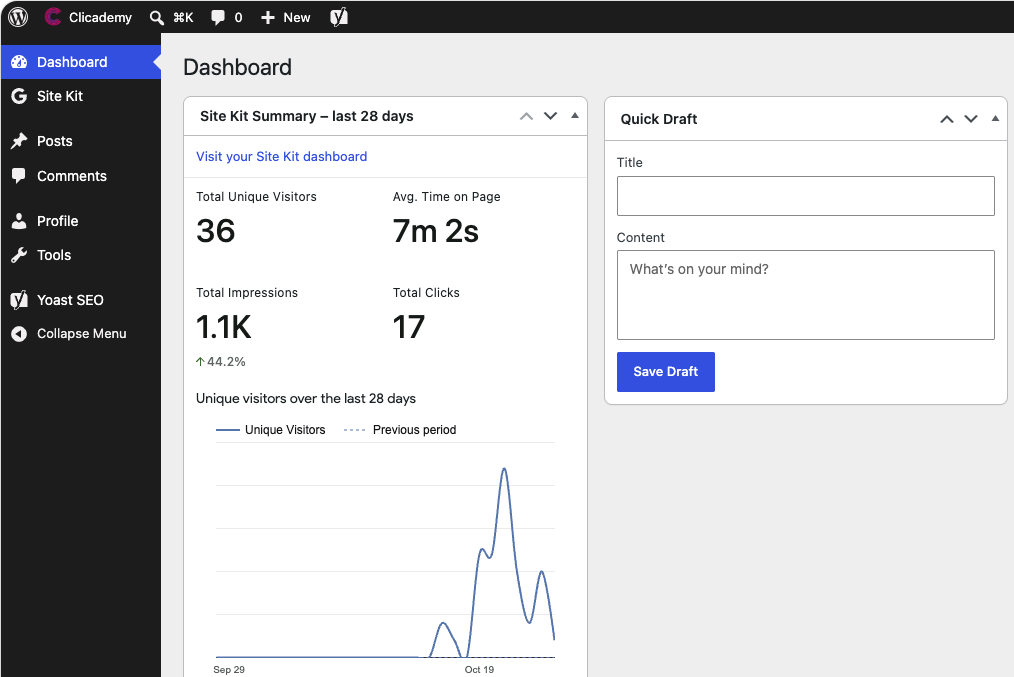
Currently, registered members have “View only” access to the data. Give it a try.
You can also use various customisation tools provided by Site Kit by Googld to set data range, perspectives, and visualisation formats.
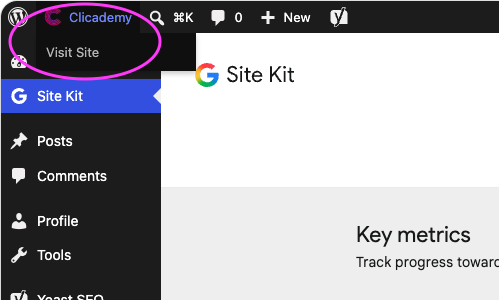
To leave the Dashboard, click the Clicademy drop-down menu and then Visit Site to return to the website.
Clicademy may change and/or add data plugins and extraction tools. We will increase the data sharing step by step, including data collected using other analytics brands and tools.